#

Streaming PCs

High-End Streaming PCs by BoostBoxx – Perfectly optimized for Twitch, YouTube & TikTok

High-End Streaming PCs – Perfectly optimized for Twitch, YouTube & TikTok


If you are looking for a streaming PC that seamlessly combines resource-intensive encoding processes, fluid multitasking, and uncompromising gaming performance while conventional systems quickly hit their performance limits during parallel OBS and Discord operations, you've come to the exact right place at BoostBoxx. Unlike our classic gaming PCs, which are uncompromisingly designed for maximum in-game frame rates, our dedicated streaming systems rely on a perfectly balanced hardware configuration featuring powerful multi-core processors, generously dimensioned RAM, and modern graphics cards with hardware-based AV1 and NVENC encoding. Find the system tailored precisely to your individual creator workflow now.

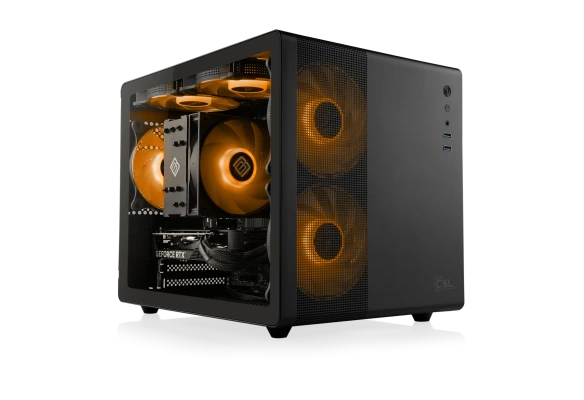
      • AMD Ryzen 5 7500F, 6x 3700 MHz
      • GeForce RTX 5060, 8 GB
      • 32 GB DDR5-RAM
      • 1000 GB M.2 2280 PCIe 4.0 SSD
      Ready to ship within 3-5 working days

      1,699.00

      Real-time compatibility check for your configuration
      Configure now
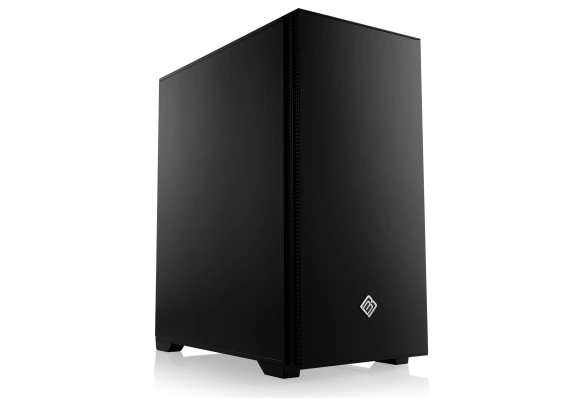
      • AMD Ryzen 5 9600X, 6x 3900 MHz
      • MSI GeForce RTX 5060 Ti
      • 32 GB DDR5-RAM
      • 1000 GB M.2 2280 PCIe 4.0 SSD
      • GIGABYTE B840M DS3H WIFI6
      Ready to ship within 3-5 working days

      1,999.00

      Real-time compatibility check for your configuration
      Configure now
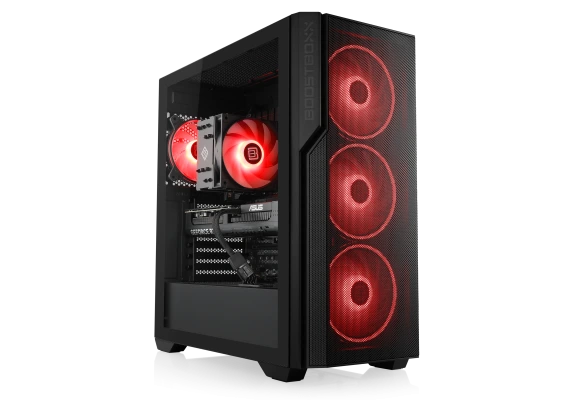
      • AMD Ryzen 7 9700X, 8x 3800 MHz
      • ASUS GeForce RTX 5070, 12 GB
      • 32 GB DDR5-RAM
      • 2000 GB M.2 PCIe 4.0 SSD Crucial E100
      • ASUS B650E Max Gaming WIFI
      Ready to ship within 3-5 working days

      2,599.00

      Real-time compatibility check for your configuration
      Configure now
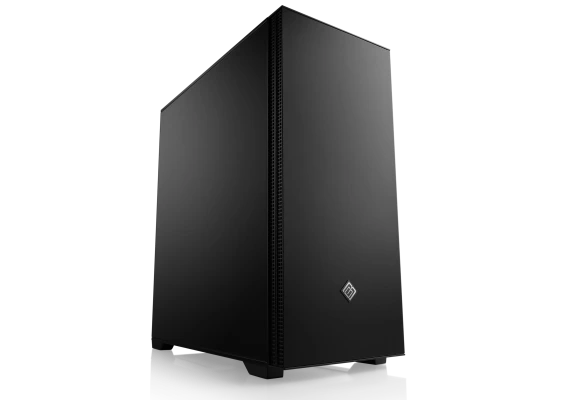
      • AMD Ryzen 7 9700X, 8x 3800 MHz
      • MSI GeForce RTX 5070 Ti, 16 GB
      • 64 GB DDR5-RAM
      • 2000 GB M.2 PCIe 4.0 SSD Crucial E100
      • ASUS TUF GAMING B850-E WiFi
      Ready to ship within 3-5 working days

      3,399.00

      Real-time compatibility check for your configuration
      Configure now
      • AMD Ryzen 7 7800X3D, 8x 4200 MHz
      • GeForce RTX 5080, 16 GB
      • 64 GB DDR5-RAM
      • 2000 GB M.2 PCIe 4.0 SSD Crucial E100
      • ASUS TUF GAMING B850-E WiFi
      • Water cooling
      Ready to ship within 3-5 working days

      4,599.00

      Real-time compatibility check for your configuration
      Configure now
      • AMD Ryzen 9 9950X3D
      • ASUS TUF GeForce RTX 5090, 32 GB
      • 64 GB DDR5-RAM
      • 4000 GB M.2 PCIe 4.0 SSD Kingston NV3
      • ASUS TUF GAMING X870-PLUS WIFI
      • Water cooling
      Ready to ship within 3-5 working days

      10,999.00

      Real-time compatibility check for your configuration
      Configure now

      Why a Dedicated Streaming PC Outshines Classic Gaming Systems

      If you want to build a loyal audience on platforms like Twitch, YouTube, or TikTok and retain them long-term, you need to deliver technical excellence because viewers immediately penalize blurry streams or stuttering frame rates. While conventional gaming PCs boast immense processing power, hardware resources inevitably collide the moment a demanding game runs in the foreground while OBS Studio, browser overlays, Discord, chat bots, and recording software are active simultaneously in the background. A BoostBoxx streaming PC is specifically engineered to physically eliminate these system conflicts by intelligently splitting graphics and processing workloads or completely offloading them via state-of-the-art hardware encoders.

      The Technical Pillars: Encoding, CPU Multitasking, and RAM

      The fundamental difference between a pure gaming system and a professional streaming computer lies in the precise prioritization of components. While gamers primarily focus on high refresh rates, a streamer must ensure that video encoding neither drops the in-game frame rate nor produces unsightly artifacts in the live stream.

      Modern NVIDIA graphics cards feature dedicated latest-generation NVENC units that completely relieve the main processor from encoding load. Furthermore, the integration of the AV1 codec dramatically reduces required bandwidth while simultaneously boosting image clarity—a decisive competitive advantage for platforms that natively support AV1.

      • The CPU as the Clock Generator for Background Processes: Modern multi-core processors from AMD and Intel reliably prevent background applications such as audio routing software or Streamlabs overlays from causing unpredictable latency spikes.
      • RAM Dimensioning: 32 GB of DDR5 RAM are considered the absolute minimum for modern creators today, while demanding VTubers or multistreamers should opt for 64 GB to prevent memory shortages and resulting stutters.
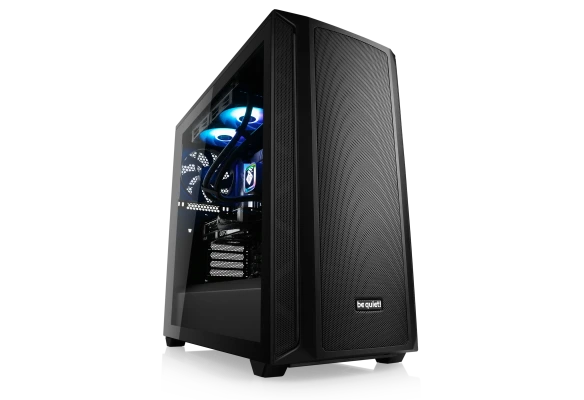
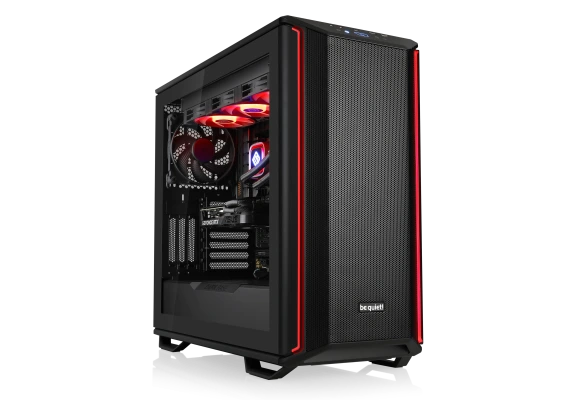
      • Acoustic Design and Cooling: Because streamers frequently work with sensitive, open microphones, our configurations rely on well-thought-out airflow chassis and quiet cooling concepts to prevent distracting fan noise from ending up on the audio track.

      Single-PC Setup versus Dual-PC Architecture

      Before choosing your new computer, you should define your exact application scope. A single-PC setup is ideally suited for beginners and advanced creators looking for a compact, straightforward system that masters all tasks in parallel thanks to powerful GPU encoders. Professional streamers, eSports tournaments, or content creators with extreme demands on fail-safety, on the other hand, opt for a dual-PC architecture. Here, a second dedicated streaming PC combined with a PCIe capture card handles the entire encoding and load distribution, while the primary gaming PC remains 100% dedicated to maximum gaming speed. BoostBoxx delivers the custom-fit hardware architecture for both scenarios.

      Do you have very specific ideas for your hardware and want to design your own custom creator PC? Then use our BoostBoxx Gaming PC Configurator directly to easily assemble your individual streaming PC exactly according to your personal performance requirements.

      Frequently Asked Questions (FAQ) about Streaming PCs

      More on AI features, hardware encoding, and RAM in the streaming PC

      Which hardware unit an AI application or live stream utilizes depends heavily on the software. Graphics cards with modern RTX architectures and dedicated tensor cores are particularly efficient at AI-powered effects such as NVIDIA Broadcast, noise cancellation, virtual background, or AV1 encoding. For complex multitasking scenarios and parallel rendering, a generous amount of RAM is also the decisive factor ensuring all software applications run flawlessly in memory.

      The RAM and hardware specifications of our streaming PCs provide you with a custom-fit orientation for smooth creator workflows. Actual performance in operation depends on the respective setup, the software tools used, and bandwidth.

      What distinguishes a streaming PC from a classic gaming PC?

      While a classic gaming PC is primarily optimized for maximum frame rates in computer games, a streaming PC additionally accounts for the massive burdens of video encoding, video compression, multitasking processes like OBS and Discord, and data transfer via capture cards or multiple monitors.

      Do I strictly need a separate capture card?

      A separate capture card is strictly required if you want to record or stream console gameplay from PlayStation 5, Xbox Series X, or Nintendo Switch. If, however, you play directly on the PC, the graphics card handles video compression via the NVENC encoder, meaning you don't need an external capture card.

      What advantage does the AV1 codec offer when streaming?

      Compared to older standards like H.264, the AV1 codec offers significantly better image quality at a noticeably lower bitrate. This means your stream arrives crystal clear and free of blocky artifacts for viewers even at lower upload speeds, provided the streaming platform supports AV1.

      Why is 32 GB of RAM so important in a streaming PC?

      Modern games, the operating system, OBS Studio, browser tabs for chat, and Discord quickly consume more than 16 GB of memory during combined operation. 32 GB of DDR5 RAM or more reliably prevents micro-stutters and ensures a smooth, stable data flow throughout the entire live broadcast.

      When is switching to a dual-PC setup worthwhile?

      A dual-PC setup is worthwhile for professional streamers and content creators who need uncompromising high-FPS gaming performance on their main machine and want to offload the complete load for encoding, recording, and multistreaming to a second dedicated streaming PC.

      Which hardware is particularly important for VTubing and multistreaming?

      For resource-intensive applications like VTube Studio (face tracking) and simultaneous multistreaming on Twitch, YouTube, and TikTok, a strong multi-core CPU, a graphics card with a large VRAM buffer (e.g., 16 GB or more), and at least 64 GB of DDR5 RAM are strictly required.

      How does the cooling system affect the quality of my stream?

      A quiet and efficient cooling system, such as high-end AIO water cooling or optimized airflow chassis, prevents loud fan noise that could otherwise be picked up by sensitive streaming microphones and perceived as annoying by viewers.